Love Pattern Design: Practical Workflows for Creators and Small Business Owners
Pattern design is a foundational element in countless creative projects. Whether you are preparing party decorations, designing a new product line, or building a cohesive brand identity, having a reliable, high-quality pattern set can significantly streamline your process. Love Pattern Design and the related collection This is a Love Patterns offer a versatile solution that fits directly into the planning, execution, and refinement stages of a wide range of projects.
This article explores how you can integrate these love-themed patterns into your own workflow—from initial idea to final product. We'll cover practical implementation tips, file handling, compatibility considerations, and long-term usage strategies so you can make the most of this digital asset.
What Love Pattern Design Offers for Your Creative Process
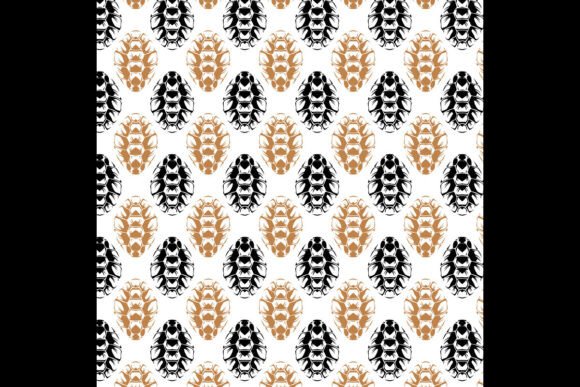
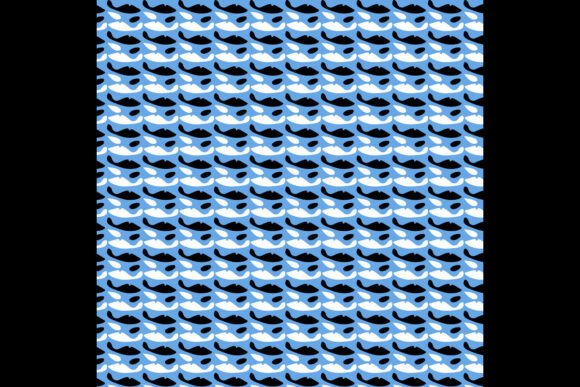
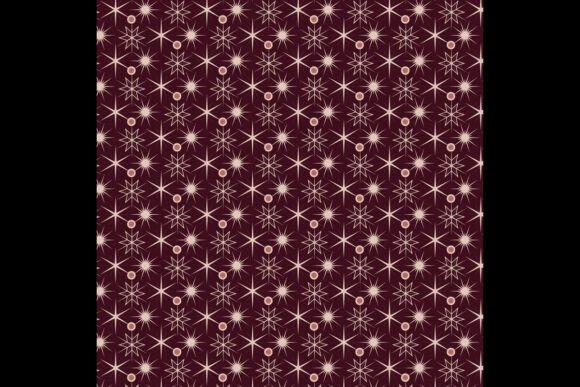
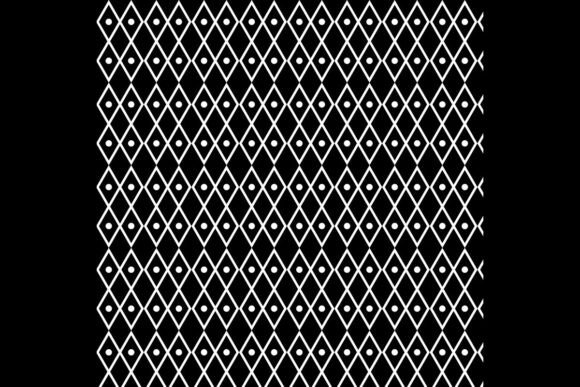
Love Pattern Design provides a set of scalable, high-resolution patterns built around love motifs. The package includes an SVG file (2400×2400 px, 300 dpi), JPG files with solid color distressed effects, and an EPS file at 300 dpi. This combination means you are prepared for both digital and print workflows, whether you need sharp vector scaling for a large banner or a textured look for a cozy blanket.
The patterns are pre-optimized for production: transparent backgrounds (in the SVG and EPS) allow seamless overlay on any product mockup, while the high 300 dpi resolution ensures crisp output on physical items like stickers, mousepads, phone cases, and tumblers. Because the files are compressed into one ZIP archive, you can download and organize everything in one go, minimizing setup time.
Where Love Pattern Design Fits in Your Workflow
Understanding when to bring these patterns into your process helps you avoid extra revisions. Here are the key stages where Love Pattern Design can be used:
- Before a project begins: Use the SVG file to experiment with color variations and scale in your vector editor. Because the pattern is easy to resize without losing quality, you can test different layouts before committing to a final design.
- During production: Apply the pattern directly to product templates. For example, if you are creating a line of tote bags or pillows, import the EPS into Adobe Illustrator, adjust the colors to match your brand palette, and generate print-ready files. The solid color distressed JPGs can serve as quick previews for client presentations.
- After completion: Save the pattern file as a reusable asset. For recurring projects like seasonal stationery or gift wrap collections, you can pull the same pattern and modify it with new colors or overlays, maintaining consistency without re-creating work.
Preparing Your Software Environment
Check that your design software supports SVG, EPS, and high-res JPG. Most vector-based applications (Adobe Illustrator, Affinity Designer, Inkscape) work well. For raster editors like Photoshop, the transparent SVG will import as a smart object, keeping editability intact. Because the SVG is 2400×2400 pixels at 300 dpi, you can also use it directly in print layouts without upsampling artifacts.
Color Customization and Distressed Effects
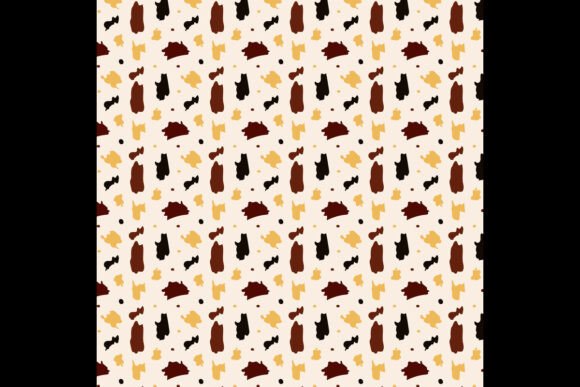
The JPG files come with a solid color distressed effect, giving a worn, vintage look that works well for apparel and home décor. If you prefer a cleaner aesthetic, use the SVG or EPS to create a flat-color version. To maintain consistency across products, create a color palette from the pattern and apply it to all your items—stickers, notebooks, leggings—so the collection feels cohesive.
Resizing and Scaling for Different Products
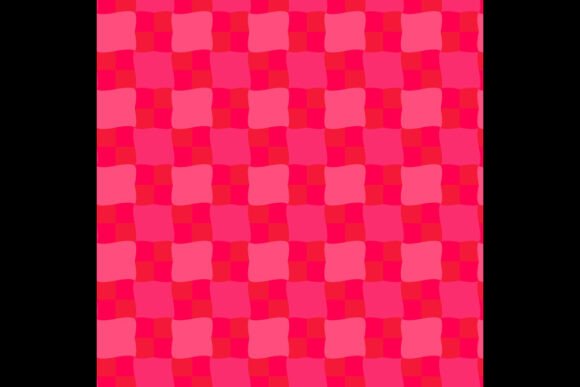
For small items like phone cases or mousepads, a smaller tile of the pattern may be sufficient. For large surfaces like blankets or gift wrap, use the SVG to repeat the pattern seamlessly. Because the original file is high resolution, scaling up does not introduce pixelation. Always test a small print before scaling to final size to confirm the pattern density looks right.
Use Cases Across Real Projects
Love Pattern Design is described as perfect for party decorations, stickers, scrapbooks, stationery, gift wrap, blankets, baby towels, mousepads, phone cases, tumblers, notebooks, leggings, pillows, tote bags, and more. Here are a few workflow examples:
- Small business product line: If you sell custom notebooks and phone cases, you can use the same pattern on both items. Export the SVG at different resolutions for different print providers. Because the background is transparent, you can also layer the pattern over a solid base color, giving you two product variations from one file.
- Event decorations: For a wedding or anniversary party, use the JPG distressed version to print banners, table runners, and party favor tags. The distressed effect adds a handmade feel that complements rustic themes. The EPS file can be given to a professional printer for large-format output.
- Digital products and scrapbooking: Teachers or scrapbookers can import the SVG into cutting machine software (like Cricut Design Space or Silhouette Studio) to create custom stickers and card embellishments. Because the design is pre-optimized at 300 dpi, you do not need to clean up low-resolution artifacts.
File Management and Quality Control
When you download the ZIP folder, use extraction tools like 7-Zip or WinRAR. I recommend creating a dedicated folder for Love Pattern Design with subfolders for SVG, JPG, and EPS versions. Label each file with the pattern name and color variant if you customize it. This organization saves time when you revisit the project months later.
For long-term use, keep the original SVG as a master file. If you edit colors or sizes, always work on a copy. This way you retain the original high-quality asset for future projects. Because the patterns are designed with a transparent background, you can also layer them over different textures or photographs, opening up even more creative possibilities.
Integration with Other Tools and Platforms
The SVG format is web-friendly, so you can embed the pattern directly on a product page or use it as a background for social media graphics. If you use print-on-demand services like Printful or Redbubble, upload the high-res JPG (2400×2400 px at 300 dpi) as a pattern file. Most platforms accept this size, ensuring your designs appear sharp.
For teams, the EPS file is especially useful. It can be imported into various vector editing programs without conversion issues, which means multiple people can work on variations without corrupting the file. Because the pattern is vector-based, it remains crisp even when resized for different products in your catalog.
Important Considerations
This is a digital instant download. No physical item will be shipped. The license prohibits reselling, distributing, or sharing the images in their original format, and you cannot offer them as freebies or gifts. However, you are free to use the pattern on any physical product you sell, such as t-shirts, tote bags, or stationery. Always check the terms if you plan to use the design for commercial print runs.
Because the files are compressed into one ZIP, ensure you have adequate storage and extraction software. The 300 dpi resolution makes files larger, but the quality trade-off is worth it for professional printing. If you are working online, download the ZIP to your local drive before extracting to avoid corruption.
Long-Term Value for Creators and Small Business Owners
Love Pattern Design is not a one-use asset. Because it comes in multiple formats, you can reuse it across many product types and design styles. The distressed JPGs give you an instant vintage look; the SVG and EPS allow you to change colors, scale, and complexity. Over time, you can build a family of products that share a consistent pattern theme, strengthening brand recognition.
For educators and bloggers, these patterns can serve as background textures for lesson materials or website headers. For entrepreneurs launching a new brand, the pattern offers a head start on product mockups. The key is to treat the pattern as a flexible module that you adapt, not a fixed image.
Final Observations on Workflow Integration
The most efficient approach is to map out your product line first. Decide which items will use the same pattern and which will require a color variant. Then open the SVG in your vector editor, create three to five color swatches, and export each variant as a separate file. This batch preparation saves hours of repetitive work later.
Quality control is straightforward: print a small sample on your target medium (e.g., sticker paper or fabric) to check color accuracy and resolution. Because the original file is 300 dpi, you should see clean edges and smooth gradients. If you need to resize, use the SVG to maintain vector sharpness.
Love Pattern Design, including the This is a Love Patterns collection, provides a reliable foundation for creative projects large and small. By understanding how to prepare, customize, and repurpose these files, you can integrate them smoothly into your existing workflow, saving time and maintaining a consistent visual language across your products.