62 Etsy Canva Mockups: A Complete Branding Toolkit
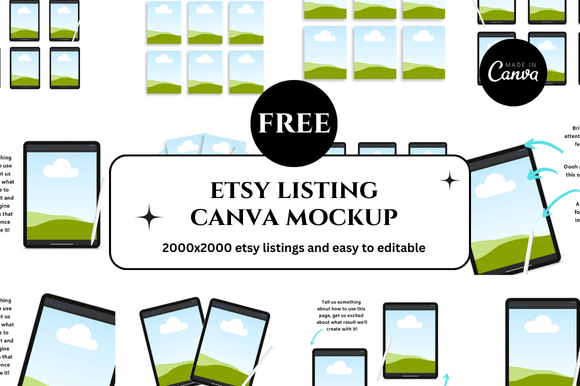
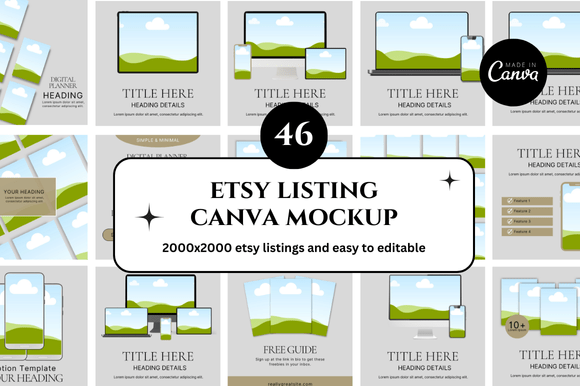
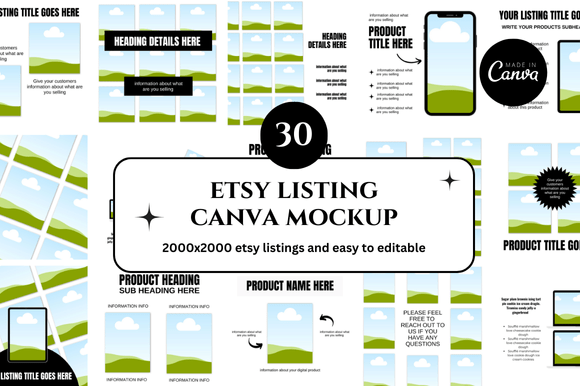
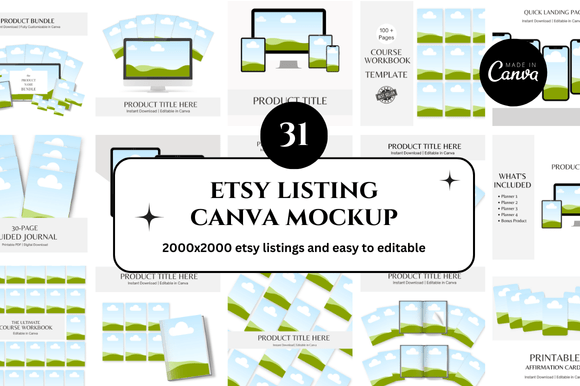
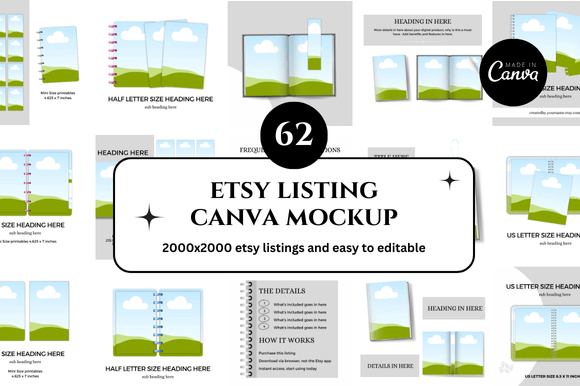
Imagine opening your Etsy shop and seeing a perfectly cohesive grid of listings. Every square tells a story, and each cover looks like it belongs to the same brand. For sellers of digital products, this visual harmony is often the difference between a casual browser and a committed buyer. The challenge is the sheer time it takes to design multiple mockups, ensure consistent spacing, and keep up with evolving brand trends. This is where the 62 Etsy Canva Mockup bundle becomes a game-changer. It provides an entire library of pre-designed, customizable templates that you can adapt instantly, saving you precious hours while elevating your shop’s professional appeal.
Building Trust with Consistent Visuals
Your Etsy listing images are your storefront. For creators, designers, and small business owners, they represent the first handshake with a potential customer. A disjointed visual identity—where one listing uses a bold, chaotic background while another is clean and minimalist—can confuse buyers. It subtly signals a lack of professionalism. The 62 templates in this collection allow you to establish a unified brand language. By sticking to a cohesive set of mockup styles, you tell your audience, “I am an established, trustworthy shop that pays attention to detail.” This applies whether you are selling printables, planners, digital art, or social media templates. The instant download format means you don't need advanced design skills; you just need Canva and a clear vision for your brand.
Beyond Simple Display: Creative Ways to Use Your Mockups
While these templates are perfect for standard Etsy listings, their utility extends far beyond a simple product shot. Thinking of them as foundational creative assets opens up a world of strategic applications. The variation among the 62 mockups lets you approach your marketing from different angles without ever leaving your brand identity. Here are three distinct ways different types of users can leverage the bundle:
- Themed Collection Drops. If you are a planner or journal seller, use the mockups to create “collections.” A set of 5 matching mockups can show a planner cover, a weekly spread, a sticker sheet, a dashboard, and a bonus freebie. This “hero shot” approach makes your listings feel premium and complete. You can even use two identical mockups to show a “before and after” comparison of a filled-in versus empty page, clearly demonstrating the value of your product.
- Educational Content & Social Proof. For course creators or workbook sellers, blurring the mockup slightly and using it as a background for a testimonial or key insight creates powerful social media content. The consistent square format translates beautifully into Instagram posts or Pinterest pins, driving traffic back to your shop. It also looks professional when included in an email newsletter to your subscribers.
- Branded Portfolio or Lookbook. Freelancers and designers can use the mockups to build a portfolio PDF. By placing your best work into these consistent frames, you create a cohesive lookbook that impresses potential clients. The variation within the 62 templates allows you to showcase different project types—like branding packages, web designs, or digital illustrations—without repeating the exact same layout.
Tailoring Your Visuals for Different Platforms and Audiences
The beauty of a large, versatile mockup set is the ability to curate a specific feeling for different platforms without starting from scratch. For your Etsy shop, prioritize clarity and product focus. Choose mockups with clean backgrounds, soft shadows, and minimal distractions. The goal is to make your digital product the undeniable star of the image. Use the link system in Canva to quickly swap out designs while keeping the exact same mockup frame. This creates those satisfying, scroll-stopping listing rows that Etsy’s algorithm tends to favor because they signal a complete, high-quality shop.
For social media, specifically Instagram or Pinterest, you can afford to be more lifestyle-oriented. Select mockups from the 62-pack that incorporate elements like desk scenes, plants, or stationery. These contextual mockups help potential buyers envision the product in their own lives. For bloggers and educators, the same mockups can be repurposed as featured images for articles or course modules. Having this library ensures your visual brand remains tight across your entire digital ecosystem, from your shop to your newsletter. Thinking about your audience first—whether they want clean information or aspirational lifestyle images—helps you pick the right variant from your bundle every time.
Staying Organized and On-Brand: A Practical Workflow
A large bundle of assets requires a system to reach its full potential. Knowing how to organize and customize these templates will save you even more time in the long run. Here is a simple workflow for entrepreneurs and small business owners that balances efficiency with creativity:
- Lock Your Brand Foundation. Before you start designing, define your brand colors (use hex codes) and 2-3 fonts. In Canva, create a brand kit. Apply these core elements to your chosen starter mockup. This one step ensures every template you touch feels like yours, whether you are making a listing for a digital planner or a set of wall art prints.
- Batch Create in Generations. Set aside one hour to work through the 62 templates. Don't agonize over one listing. Use the “copy styles” feature in Canva to paste your brand fonts and colors. Create 10-15 listing images in one sitting. The habit of batching is what separates overwhelmed sellers from efficient, consistent brands.
- Use the Link Feature for Efficiency. A critical feature of these templates is how they leverage Canva’s linking capabilities. When you use a template with a linked design element, you only need to update the original design once. That update automatically propagates to every listing mockup using that link. This means if you decide to tweak a color or fix a typo on your digital planner cover, every single mockup in your Etsy shop updates in seconds. For busy entrepreneurs, this feature alone is worth its weight in gold.
- Name and Archive Strategically. When you save a mockup, name it based on its purpose (e.g., “Planner_Cover_Green” or “Sticker_Sheet_Mockup”). Keep a master folder in Canva for this bundle. This makes locating the perfect template for a new product launch effortless, and it ensures you don't accidentally use the same mockup for two very different product categories.
Integrated Branding: Making the Most of Your Bonus Freebies
One of the standout features of this specific collection is the inclusion of bonus freebies. These are often overlooked, but they are incredibly powerful for cohesive branding. The bonus items typically include matching banners, social media posts, or shop icons. When you use a banner that visually complements your listing mockups, you create a seamless shopping experience. A customer clicks from a cohesive Instagram post, lands on an Etsy shop with a matching banner, and sees a grid of listings in the same visual family. This integrated branding builds a massive amount of trust and authority. It tells the customer that you are a serious, professional digital seller.
Think of the bonus assets as the glue for your brand press kit. If you work with affiliates or bloggers to promote your products, providing them with a folder that contains your brand banner, logo, and a few standardized product mockups makes it incredibly easy for them to create content that perfectly represents your brand. It transforms a simple mockup purchase into a full brand partnership toolkit. Don't let these bonuses sit unused. Integrate them into your overall workflow to create a truly professional ecosystem that attracts both customers and collaborators.
The time you spend on your shop's visuals is an investment. With the 62 Etsy Canva Mockup bundle, you are not just buying templates—you are buying back your most valuable asset: time. You are equipping yourself with a professional toolkit that allows you to present your work with confidence, clarity, and consistency. Whether you are a seasoned Etsy seller, a blogger building a digital product line, or a freelancer looking to showcase your services, this collection provides the structure you need to stand out in a crowded marketplace. The key is to start. Open Canva, load your first mockup, drop in your design, and watch your shop transform. Happy designing!