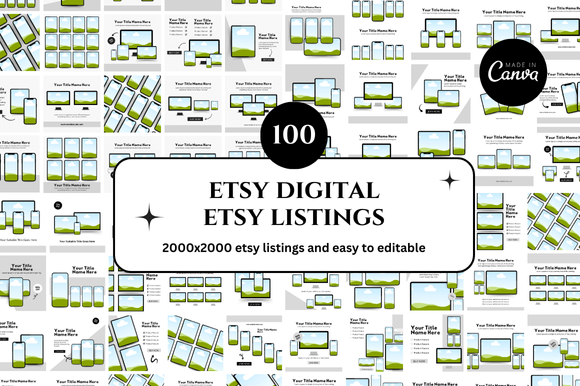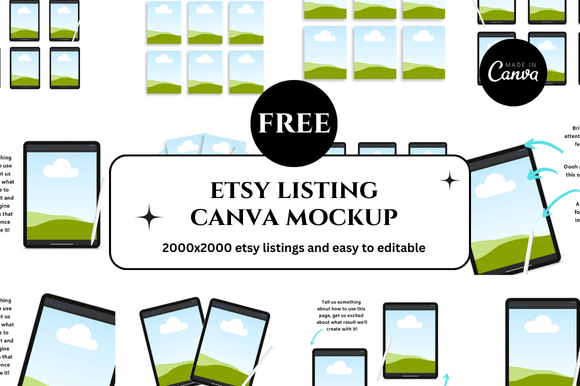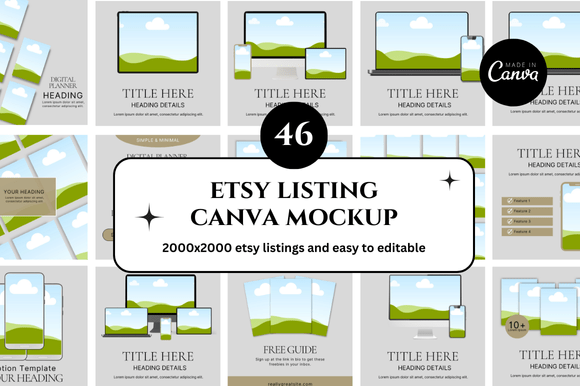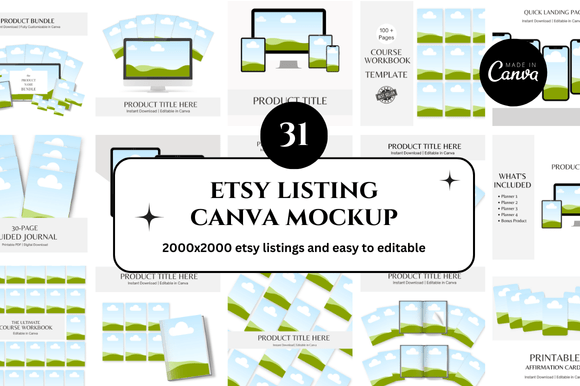
30 Etsy Canva Mockup Bundle for Digital Sellers
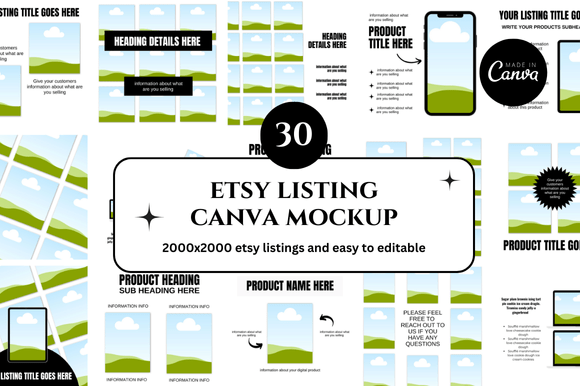
If you sell digital products on Etsy, you already know that your listing images can make or break a sale. Shoppers scroll through search results quickly, and the first thing they notice is your mockup. A polished, professional listing image communicates quality, builds trust, and encourages clicks. That is exactly where the 30 Etsy Canva Mockup bundle comes in. This collection of customizable templates is designed to help you create consistent, attractive listing images without spending hours in design software.
Instead of starting from scratch for every new product, you can open a template, swap in your own artwork, adjust colors, and publish. The bundle gives you thirty distinct layouts, which means variety without extra effort. Whether you are launching a new digital planner, a set of printables, or a course, these mockups provide a professional foundation that saves time and preserves your creative energy.
What Makes This Bundle Different
The 30 Etsy Canva Mockup bundle is more than a collection of pretty backgrounds. Each template is designed specifically for Etsy listing images, which means they respect the square format, include space for your product, and leave room for text overlays if you need them. The templates are built in Canva, so you do not need advanced design skills or expensive software. Everything works inside your browser or the Canva mobile app.
One of the strongest qualities of this bundle is its versatility. The set includes mockups for flat lays, digital device displays, framed wall art scenes, and product-on-surface layouts. This variety allows you to match the mockup style to the product type. A digital planner, for example, looks best on a tablet or laptop mockup, while a printable art print works better in a framed scene. Having thirty options means you can test different aesthetics and see what resonates with your audience.
Another notable strength is the instant download and link-based access. You receive a link that gives you direct access to the Canva templates. There are no ZIP files to unzip, no font installations to worry about, and no complicated setup. You click the link, the template opens in Canva, and you start customizing immediately. This frictionless process is especially valuable for sellers who want to move quickly from product creation to listing.
Real Applications Across Different Selling Scenarios
Consider a seller who designs printable habit trackers and budgeting sheets. With the 30 Etsy Canva Mockup bundle, they can create a cohesive shop aesthetic by using the same mockup style across multiple listings. This consistency helps shoppers recognize their brand and feel confident in the quality of the products. The seller might use a flat lay mockup for the main image, a device mockup for the second image showing the digital file in use, and a lifestyle scene for the third image to convey emotion and context.
For sellers who offer digital courses or eBooks, the mockups that display screens or tablets are especially useful. These layouts naturally frame the content and make it look like a finished product. You can place a screenshot of your course dashboard or a sample page from your eBook directly onto the device screen within the template. The result is a listing image that looks professional and helps potential buyers visualize themselves using the product.
Printables sellers who create wall art, quote cards, or educational posters can benefit from the framed mockups and wall scene layouts. Instead of photographing actual prints, which requires good lighting, a clean background, and a camera, you simply drag and drop your design into the template. The mockup handles the lighting, shadows, and perspective, giving you a realistic result every time.
Usability and Efficiency Gains
Time is one of the most valuable resources for any online seller. The 30 Etsy Canva Mockup bundle directly addresses this by eliminating the need to design listing images from scratch. Each template comes pre-sized for Etsy's square image requirements, so you do not have to worry about cropping or resizing later. You can focus on customizing the colors, fonts, and product placement rather than starting with a blank canvas.
Because the templates are fully customizable in Canva, you can also repurpose them for social media posts, Pinterest pins, or Instagram stories. A mockup you use for your Etsy listing can be duplicated, slightly adjusted, and posted on social media to drive traffic back to your shop. This multiplies the value of the bundle far beyond just listing images.
Another efficiency gain comes from the ability to batch-create listing images. If you have ten similar products, you can open one template, customize it for the first product, then duplicate the design and swap in the next product's artwork. This workflow is much faster than designing each image individually. Over a month of active selling, this time savings can add up to several hours.
Branding and Visual Consistency
Consistency across your Etsy shop builds recognition and trust. When a shopper sees a grid of your listings, they should immediately sense that they are in the same shop. The 30 Etsy Canva Mockup bundle supports this by providing a unified set of design elements and layouts. You can apply your brand colors, fonts, and logo across all thirty templates, creating a cohesive look without repeating the exact same image.
Having variety within a consistent framework is important. If every listing uses the exact same mockup, shoppers may wonder if the products are actually different. The bundle gives you enough variety to differentiate your products while maintaining a recognizable brand identity. You can use a device mockup for digital planners, a flat lay for sticker sheets, and a framed scene for wall art. The consistent color palette and styling tie everything together.
Practical Considerations When Choosing a Mockup Bundle
Before purchasing the 30 Etsy Canva Mockup bundle, consider the types of products you sell most often. If your shop focuses heavily on digital planners and journals, look for bundles that include plenty of tablet and laptop mockups. If you sell printable wall art, prioritize bundles with framed and wall scene options. This bundle covers a broad range, but it is still wise to check the preview images to ensure the styles align with your niche.
Also consider the level of customization you need. All templates in this bundle are fully editable in Canva, which means you can change colors, swap backgrounds, adjust text, and move elements. However, if you prefer a more plug-and-play approach where you only add your product image and nothing else, this bundle still works because you can leave most elements as they are and only replace the product placeholder.
File format and access method matter too. The bundle uses Canva link templates, which is convenient if you already use Canva regularly. If you prefer working in other design software like Photoshop or Affinity, you may want to check whether the templates are also available in those formats. For most Etsy sellers, Canva is the most accessible tool because it runs on any device and has a free tier.
Bonus Freebies and Extra Value
Many bundles like this one include bonus freebies that extend the value beyond the thirty templates. These bonuses might include additional mockup scenes, matching social media templates, or a set of graphics and elements you can use in your designs. When evaluating the 30 Etsy Canva Mockup bundle, look at what extras are included and whether they align with your workflow. Even a small bonus, like a set of shadow overlays or a color palette guide, can save you additional time.
Recommendations for Getting the Most Out of the Bundle
Start by reviewing all thirty templates and identifying which ones best match your product categories. Open each template in Canva, duplicate it, and create a folder system for different product types. This way, when you need a listing image for a new product, you can go directly to the appropriate folder instead of browsing through all thirty templates every time.
Customize the templates to match your brand at the beginning. Set your brand colors, upload your logo, and choose your preferred fonts. Save these as a Canva brand kit if you have a Canva Pro account, or simply keep a master template with your branding already applied. Then, for each new product, duplicate the branded template and swap in the product artwork.
Test different mockup styles for the same product to see which one performs best. You can run a simple A/B test by using one mockup style for the main image and a different style for the second or third image. Monitor your click-through rates and sales to see which style resonates with your audience. Over time, you will learn which mockup types work best for your specific niche.
Final Thoughts
The 30 Etsy Canva Mockup bundle is a practical tool for any digital seller who wants to improve their listing images without spending excessive time or money. It provides variety, consistency, and ease of use. By integrating these templates into your workflow, you can focus more on creating great products and less on the repetitive task of designing listing images. Whether you are a seasoned Etsy seller or just starting your digital shop, having a reliable set of mockups ready to go can make your daily work smoother and your shop more professional.