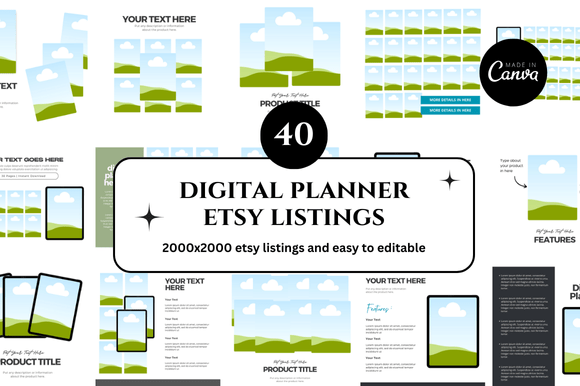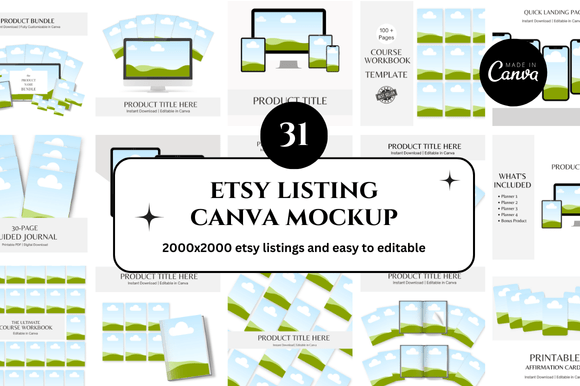
31 Etsy Canva Mockup Templates: Save Time, Boost Sales, and Simplify Your Digital Shop
If you sell digital products on Etsy, you already know that first impressions matter. A polished, professional listing image can mean the difference between a browser clicking “Add to Cart” or scrolling past. But creating those images from scratch—one for every listing, every variation, every season—can eat up hours you simply don’t have. That’s where a well-designed set of Etsy Canva mockup templates becomes your secret weapon. In this article, we’ll explore a complete bundle of 31 Etsy Canva mockup templates, designed for instant download and full customization. Whether you’re a seasoned Etsy seller or just starting your digital shop, these templates are built to save you precious time while making your storefront look cohesive and professional.
What Are Etsy Canva Mockups?
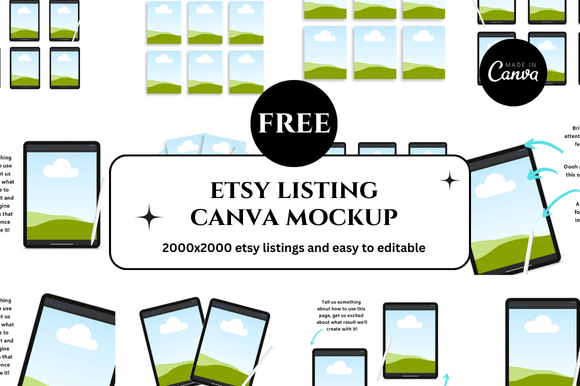
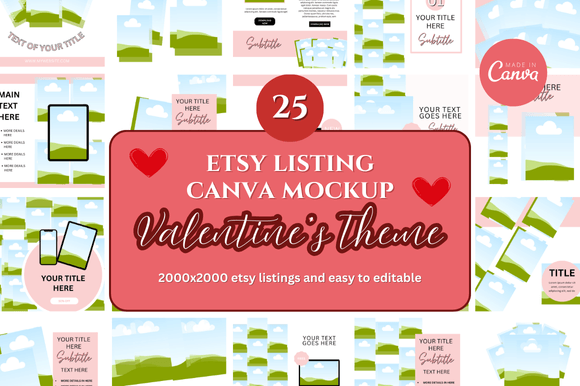
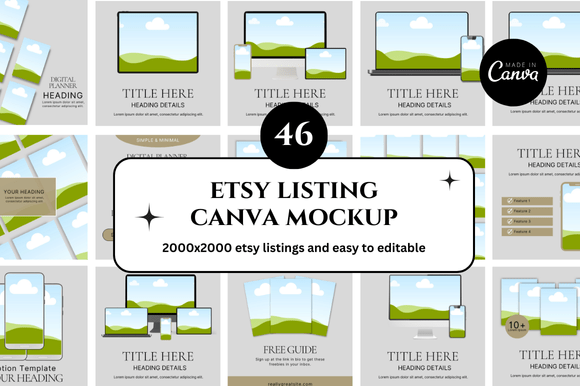
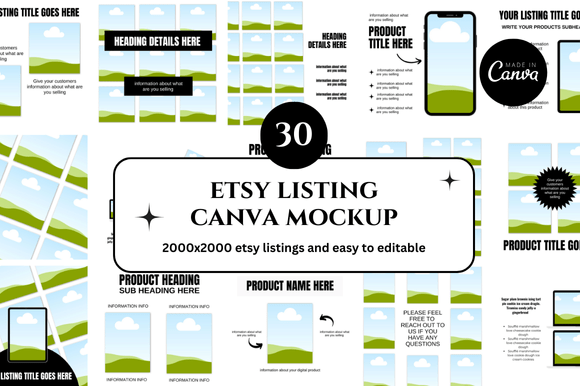
At their core, Etsy Canva mockups are pre-designed listing image templates that you can edit inside Canva—a free, browser-based design tool. Instead of starting with a blank canvas, you open a template that already has the layout, colors, fonts, and space for your product image. You simply drag and drop your own design into the mockup area, adjust the text if needed, and download a ready-to-use listing image.
Think of them as blueprints for your Etsy shop visuals. The 31 Etsy Canva mockup bundle we’re discussing includes square listing images, banners, shop covers, and more—all optimized for Etsy’s dimensions. Because they’re built in Canva, you don’t need any design experience or expensive software. If you can use a drag-and-drop editor, you can create stunning listing images in minutes.
Why You Need 31 Mockups for Your Etsy Shop
Having a single mockup template is useful, but having 31 different designs gives you variety, flexibility, and a consistent brand look across your entire shop. Here’s why that matters:
- Consistency builds trust. Shoppers are more likely to buy from a shop that looks professional and unified. With 31 templates, you can maintain the same aesthetic across all listings without repeating the exact same layout.
- Variety keeps your shop fresh. You can use different mockups for different product categories—planners, printables, digital art, or banners—while still keeping a cohesive style.
- Seasonal updates become effortless. Swap out one template for another when you launch a new collection or holiday-themed product.
- Saves hours of repetitive work. Instead of recreating the same layout from scratch for every listing, you just duplicate the template and replace the content.
The Power of Instant Download and Customizable Canva Templates
One of the biggest pain points for Etsy sellers is the time gap between creating a product and getting it listed. With an instant download bundle, you get immediate access to all 31 templates. No waiting for files to be sent, no complicated licensing agreements—just a simple link that takes you to your Canva templates.
Because these are Canva link templates, you don’t need to download and re-upload fonts or images. Canva handles everything in the cloud. You can edit from any device—laptop, tablet, or phone—and your changes sync automatically. This is especially helpful if you’re managing your shop on the go.
Customizability is key. Each template comes with editable text, colors, and image placeholders. You can change the background, swap fonts to match your brand, and even rearrange elements if you’re comfortable with basic Canva skills. The templates are designed to be flexible enough for beginners yet robust enough for experienced designers who want to tweak every detail.
Who Can Benefit from These Mockups?
These Etsy digital shop mockups are built for a wide range of sellers:
- Etsy digital sellers who sell planners, journals, printables, or digital art.
- Etsy printables sellers who need clean, attractive mockups for their printable products.
- Etsy banner and cover designers who want to showcase their shop sections professionally.
- New Etsy sellers who want to launch a shop without spending hours learning graphic design.
- Experienced Etsy entrepreneurs who want to scale their shop by streamlining their listing creation process.
In short, if you have a digital product to sell on Etsy, these mockups can help you present it in the best possible light.
Common Misunderstandings About Mockups
Let’s clear up a few things that sometimes confuse sellers:
- “Mockups are only for physical products.” Not true. Digital products also need realistic, attractive listing images. A mockup can show a printable planner page in a nice frame or on a desk, helping customers visualize how they’ll use it.
- “I need Photoshop to use mockups.” No. These templates are built specifically for Canva, which is free and browser-based. No software installation required.
- “Using a template means my shop will look like everyone else’s.” Only if you don’t customize it. The bundle gives you enough variety—31 unique designs—so you can mix and match, change colors, and add your own branding to stand out.
- “More templates mean more work.” Actually, the opposite is true. Having multiple templates ready to go means you spend less time designing and more time selling.
How to Use These Templates to Save Time and Boost Sales
Here’s a practical step-by-step example of how you might use the 31 Etsy Canva mockup bundle:
- Open the Canva link you receive after purchase. You’ll see all 31 templates in your Canva account.
- Choose a template that matches the product you’re listing. For a printable daily planner, you might pick a mockup with a desk scene and a notebook.
- Replace the placeholder image with your own product. Just upload your design and drag it into the mockup frame.
- Edit the text to include your product name, features, or a call to action like “Instant Download” or “Print at Home.”
- Adjust colors and fonts to match your brand. This takes just a few clicks in Canva.
- Download the image as a PNG or JPG, then upload it to your Etsy listing.
Repeat the process for each new listing. Because you have 31 different templates, you can rotate through them so your shop never looks repetitive. Customers will see a fresh, professional storefront that encourages them to explore more of your products.
What’s Included in the Bundle
The 31 Etsy Canva mockup bundle is designed to cover virtually every visual need for an Etsy digital shop:
- Etsy listing mockups – square images optimized for Etsy listing photos.
- Etsy banner templates – for your shop’s main banner or section headers.
- Etsy shop covers – to give your storefront a polished, branded look.
- Square listing templates – perfect for social media promotion as well.
- Printable mockups – frames, desk scenes, and flat lays that show off your printables beautifully.
- Planner mockups – specifically designed for planner sellers who need to show spreads, covers, and inserts.
All templates are fully customizable in Canva. You can change every element, add your own graphics, or simply use them as-is for a quick listing image.
Bonus Freebies for Extra Value
Because the creators want you to succeed, the bundle also includes bonus freebies. These are additional design assets that complement the mockups:
- Extra Canva elements like arrows, badges, and icons to highlight features like “Best Seller” or “New.”
- Pre-made color palettes that coordinate with popular Etsy niches.
- Font pairing suggestions so your text looks polished and professional.
These freebies are designed to help you go from template to listing even faster, without needing to source additional design resources.
How These Templates Fit Into Modern Digital Selling
Today’s Etsy marketplace is more competitive than ever. Shoppers have short attention spans and high expectations. A well-designed listing image is no longer optional—it’s essential. By using a bundle of 31 Etsy Canva mockup templates, you’re not just saving time; you’re investing in the professionalism of your brand.
This approach fits perfectly into the modern workflow of digital entrepreneurs. You can create a listing image in the morning, list your product by lunchtime, and start promoting it on social media in the afternoon. The templates are designed for speed without sacrificing quality.
Moreover, because Canva is cloud-based, you can collaborate with a virtual assistant or a designer easily. Share the template link, and they can edit it without needing access to your computer or software licenses.
Final Thoughts: Designing Smarter, Not Harder
If you’re tired of spending hours creating listing images from scratch, or if you’ve been struggling to make your Etsy shop look cohesive, the 31 Etsy Canva mockup bundle is a game-changer. It gives you a library of professional, customizable templates that you can use over and over again—saving you time, reducing stress, and helping your shop stand out.
Remember, your listing images are often the first thing a potential customer sees. Make that first impression count. With instant download, easy editing in Canva, and bonus freebies to sweeten the deal, you have everything you need to elevate your Etsy shop without breaking the bank.
Happy designing—and happy selling! ♥♥♥