Choosing the Right Phone Canva Mockup Template for Your Digital Shop
When you sell digital products on platforms like Etsy, presentation is everything. A well-crafted mockup can mean the difference between a casual browser and a paying customer. Among the many options available, the Phone Canva Mockup Template has become a popular choice for sellers who want to create professional-looking listings without hiring a designer or learning complex software. But is it the right fit for every situation? Let's explore what these templates offer, how they compare with other approaches, and what you should consider before adding one to your workflow.
What a Phone Canva Mockup Template Actually Does
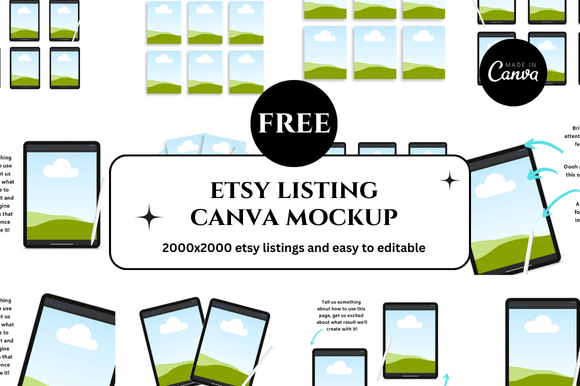
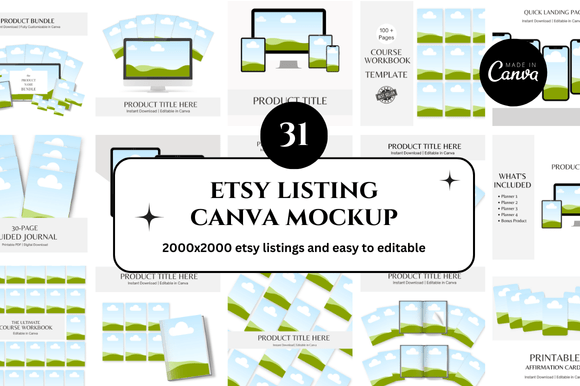
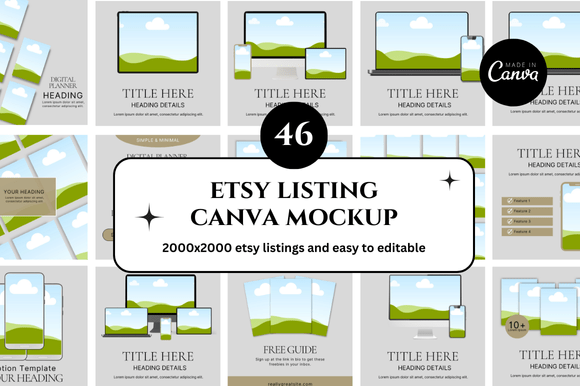
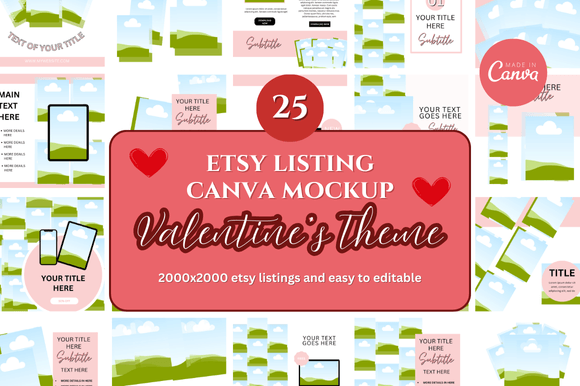
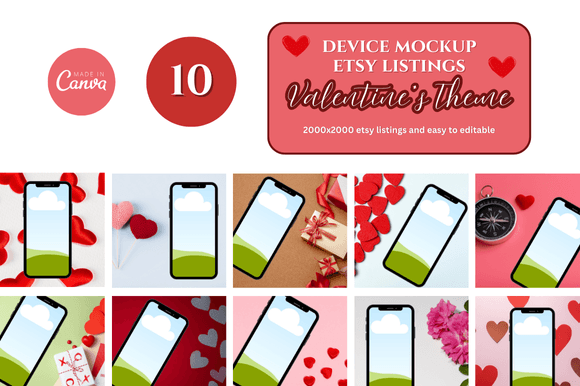
A Phone Canva Mockup Template is a pre-designed file built inside Canva's browser-based design platform. It typically includes a smartphone device frame, often shown from different angles or in lifestyle settings, with a designated area where you can drag and drop your own artwork, product image, or screenshot. The template is fully customizable: you can change colors, text, background elements, and sometimes even the phone model itself. Because it lives inside Canva, you don't need any special software beyond a free or Pro Canva account.
What makes these templates distinct is their balance between simplicity and polish. You get a structured starting point that already looks professional, yet you retain full control over branding and presentation. For Etsy sellers, this is especially valuable because listing images need to meet specific size requirements and visual expectations. Templates designed for this purpose often come in square or social media-friendly dimensions, making them ready to upload directly to your shop.
Comparing Approaches: Ready-Made Templates vs. Custom Mockups
To understand where a Phone Canva Mockup Template fits, it helps to look at the broader landscape of mockup creation. You have several paths to choose from, each with its own tradeoffs.
Canva-Based Templates
Templates like those offered in bundles such as the Etsy Digital Shop Bundle or Etsy Mockup collections are designed for speed and accessibility. You can produce a polished listing image in minutes. The learning curve is shallow, and if you already use Canva for other tasks, the workflow feels natural. The main limitation is that you are working within Canva's constraints. While the platform has improved significantly, it does not offer the same granular control as dedicated design software. For example, realistic lighting effects or complex 3D device angles may be harder to achieve compared to a purpose-built mockup generator.
Dedicated Mockup Generators and Software
Tools like Placeit, MockupWorld, or Photoshop-based PSD templates offer higher realism and more device options. You can often find specific phone models, exact screen reflections, and intricate shadow details. The tradeoff is time and cost. Some services require a subscription, and you need to learn a different interface. For sellers who produce a high volume of listings or need very specific device representations, this route can be worth the investment. However, for someone just starting out or creating occasional listings, the added complexity may not justify the benefit.
Hiring a Designer
Custom mockups from a professional designer give you unique imagery that no one else has. This can strengthen brand identity, especially if you sell premium products. The obvious downsides are cost and turnaround time. A single custom mockup can cost several dollars, and revisions add to the expense. For most independent sellers, especially those on Etsy, this is impractical for every listing.
Strengths of Using a Phone Canva Mockup Template
For many sellers, the sweet spot lies in Canva-based templates. Here are the key advantages you should weigh.
- Speed to market. You can create a complete listing image in under fifteen minutes. This is critical when you are launching multiple products or refreshing your shop seasonally.
- Low cost. Many templates are available as instant downloads for a one-time fee. Bundles like the Etsy Printables Mockup collection or the Etsy Canva Templates set often include multiple variations, giving you versatility without recurring costs.
- No design experience required. The drag-and-drop interface means you can focus on your product image rather than learning masking, layering, or file formats.
- Customizability within limits. You can change background colors, add text overlays, adjust the placement of your artwork, and match your brand palette. This gives you a cohesive shop appearance without starting from scratch each time.
- Bonus content. Many bundles come with bonus freebies such as additional scenes, social media templates, or coordinating mockup angles. This extends the value of your purchase.
Tradeoffs and Limitations to Consider
No tool is perfect for every scenario. Being aware of the limitations helps you decide when to use a Phone Canva Mockup Template and when to look elsewhere.
Realism ceilings. While Canva templates can look polished, they rarely match the photorealism of a dedicated mockup generator. If you sell high-end products or need to showcase precise screen details, the difference may be noticeable. For many digital products like planners, journals, or printable art, this level of realism is not essential. But if you sell app interfaces or highly detailed digital art, you may want a more accurate representation.
Device variety. Most Canva templates feature a generic or stylized phone shape. If you need to show your product on a specific model like the latest iPhone or a specific Android device, you may not find that option. Some advanced templates do offer multiple device skins, but this is not universal.
Scalability. If your shop grows and you are producing dozens of listings each week, the manual process of editing each template in Canva can become repetitive. Some sellers eventually adopt batch workflows or automation tools, which are not available within Canva itself.
File format constraints. Canva exports to standard formats like PNG, JPG, and PDF. While these are perfectly suitable for Etsy listings, you may not get layered source files or the ability to edit individual components outside of Canva. If you plan to switch design platforms later, you may need to recreate your mockups from scratch.
When a Phone Canva Mockup Template Is the Right Choice
Consider this option if you fall into one of these situations.
- You are a new Etsy seller testing products and need listing images quickly without a large upfront investment.
- You sell printables, digital planners, wall art, or similar products where the focus is on the content inside the screen rather than the device itself.
- You already have a Canva Pro subscription and want to maximize its value with ready-made templates.
- You need a consistent look across your shop and want a template that lets you reuse the same layout with different product images.
- You appreciate the convenience of instant download and immediate use without waiting for a designer or learning new software.
When You Might Need a Different Approach
There are also clear scenarios where a Canva template may not serve you best.
- You require ultra-realistic mockups for a premium brand presence and have the budget for dedicated mockup tools or a designer.
- You need to showcase your product on multiple specific device models to appeal to different customer segments.
- You are building a large-scale shop with hundreds of listings and need a repeatable, automated workflow.
- You sell interactive digital products like apps or software where accurate screen rendering is critical for customer trust.
- You prefer to work entirely offline or need editable PSD files for later modifications outside of Canva.
Practical Decision Factors to Evaluate
When you are comparing different mockup approaches, ask yourself these questions to make a more informed choice.
- What is your typical output volume? For occasional listings, a Canva template is efficient. For high volume, consider automation or batch processing.
- How important is photorealism to your customers? If your niche values authenticity, invest in more realistic mockups. If the product itself is the star, a clean Canva mockup often suffices.
- What is your budget? Templates are a low-cost entry point. Subscriptions or custom work cost more but may yield higher conversion rates for certain products.
- How much time can you invest per listing? A Canva template takes minutes. Other methods may require hours of setup or learning.
- Do you value flexibility? If you want to change backgrounds, colors, and layout on the fly, Canva gives you that freedom without re-editing complex files.
Realistic Example: Comparing a Canva Template with a Dedicated Generator
Imagine you sell printable daily planners. Using a Phone Canva Mockup Template from an Etsy Printables Mockup bundle, you can insert your planner page into the phone screen, adjust the background to match your brand, add a short text overlay, and export a square image ready for your listing. The entire process takes about ten minutes. The result is clean, clear, and perfectly suitable for a customer who wants to see the layout of your planner.
Now imagine you sell a custom photo editing app. In this case, you might want a mockup that accurately shows the app interface with realistic screen reflections and a specific phone model. A dedicated mockup generator would allow you to choose the exact device, adjust lighting, and even simulate screen glare. The Canva template, while faster, would likely fall short in convincing a potential buyer that the app experience is authentic.
Both approaches are valid. The right choice depends on your product, your audience, and your goals.
Making the Most of Your Template
If you decide that a Phone Canva Mockup Template suits your needs, a few practical tips can help you get the best results. First, upload high-resolution product images so that the mockup looks crisp when enlarged. Second, maintain consistency across your shop by using the same or similar templates for all listings. This builds visual brand recognition. Third, take advantage of any bonus freebies included in your bundle. Extra scenes or alternate angles can give your shop a more varied and professional appearance without additional work.
Also, remember that templates are a starting point. Do not be afraid to customize them further. Adjust the phone color to match your brand, change the background to a lifestyle photo, or add subtle shadows for depth. Even small changes can make your mockup feel unique to your shop.
Final Thoughts
The Phone Canva Mockup Template is a practical, accessible tool that lowers the barrier to professional-looking Etsy listings. It is not a one-size-fits-all solution, but for many digital product sellers, it offers the best balance of speed, cost, and quality. By understanding its strengths and limitations, you can decide whether it aligns with your current needs or whether you need a more advanced approach. Evaluate your product type, your volume, and your customers' expectations. With that clarity, you will be well positioned to choose the mockup strategy that serves your shop best.